r999 Login
Why Log In from This Page?
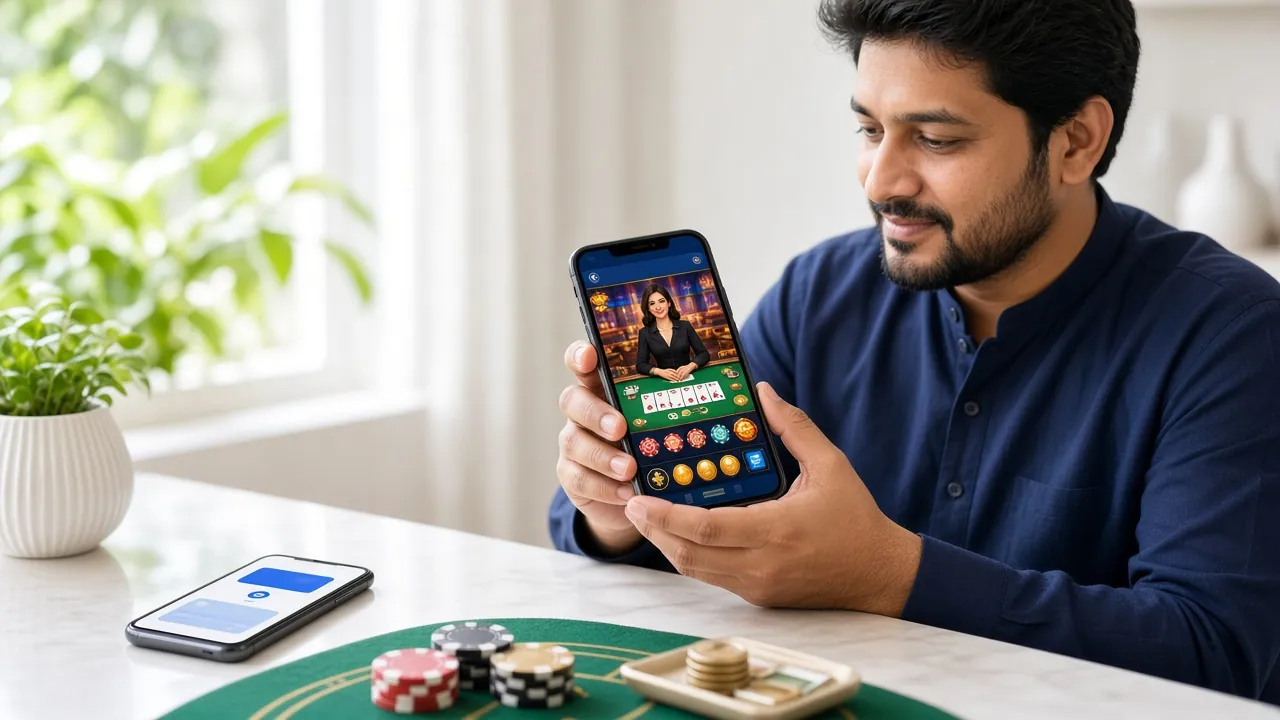
The r999 login page connects directly to your account. Once inside, you can place bets on Bangladesh Premier League cricket, top up with bKash in under 4 minutes, claim your daily cashback and launch live casino tables from Evolution and Ezugi. Everything works on a standard Android phone — no laptop needed.
- Access all 4,100+ games immediately after login
- Deposit via bKash, Nagad or Rocket — min ৳250
- Withdraw to your mobile wallet in about 8 minutes
- 24/7 live chat support in English if you get stuck
Account Security: 5 Things to Do First
Before you log in every time, run through these five habits. They take seconds and they protect your balance.
-
Use a Unique Password
Your r999 password should not match your bKash PIN, your Gmail or any other app. Mix uppercase letters, numbers and a symbol. At least 10 characters is a solid starting point. If two accounts share a password, one leaked database can unlock both. A password manager like Bitwarden makes this easy to handle.
-
Log In from Your Own Device
Avoid signing into r999 on a friend's phone, a shared computer or a public internet café. If you must log in somewhere unfamiliar, untick "Remember me" and clear the browser cache immediately after. Shared devices are the most common reason accounts get accessed by someone else.
-
Check the URL Before Typing Your Password
Phishing sites copy the r999 login page look exactly. Always confirm the address bar shows r999.team before entering your password. Bookmark the real login page now. If you see anything like r999-team.com or r999login.net, close it immediately — those are fakes.
-
Avoid Open Wi-Fi Networks
Logging into r999 over an open café or bus station Wi-Fi exposes your credentials to anyone running a packet sniffer on that network. Use your mobile data connection when you log in or bet. Mobile data is encrypted at the carrier level and is safer than any public hotspot in Bangladesh.
-
Change Your Password If You Suspect Unusual Activity
If you see a login you didn't make, a bet you didn't place or a withdrawal you didn't request, change your password immediately from the account settings and contact r999 support via live chat. The support team is available 24/7 at [email protected] and can freeze the account while you sort it out.
Login Problem Troubleshooter
Not getting in? Match your situation to the table below, find the cause and follow the fix. Most issues resolve in under two minutes.
| Problem | Likely Cause | Fix |
|---|---|---|
| "Wrong password" error | Caps Lock on, or password typed with wrong keyboard layout (English vs Bengali switch) | Turn off Caps Lock. Switch your keyboard back to English. Use the eye icon to reveal the password field and retype carefully. If still blocked, use the Forgot Password link to reset. |
| Account temporarily locked | Five or more wrong password attempts in a row trigger an automatic lock for security | Wait 15 minutes, then try again with the correct password. If you still cannot get in, contact 24/7 live chat. The support team can unlock the account after verifying your identity. |
| OTP / verification code not arriving | Network delay, wrong SIM in phone or SMS blocked by carrier | Check you have mobile signal. Make sure the registered SIM is active. Wait 60 seconds and request the code again. If nothing arrives, try the voice call option or contact live chat with your registered number ready. |
| Page not loading or blank screen | Browser cache conflict, old cookies or VPN interference | Clear browser cache and cookies (Settings → Privacy → Clear Data). Disable any VPN or proxy. Try opening r999.team in Chrome's incognito mode. If the app works fine, it is a browser-specific issue. |
| "Mobile number not found" | Registered with a different number, or the account was created under a different phone | Double-check which number you used at registration. If you have changed your SIM since registering, contact live chat or email [email protected] to update your mobile number on the account. |
| Logged out automatically | Session timeout after inactivity (30 minutes idle) or multiple simultaneous sessions | This is normal security behaviour. Simply log in again. Tick "Remember me" on a trusted personal device to stay logged in longer. Avoid logging into the same account from two devices at once. |
Which Login Method Fits You?
r999 supports three ways to access your account. All three reach the same account — choose based on your device and preference.
| Method | How It Works | Best For | Notes |
|---|---|---|---|
| Mobile Number Recommended | Enter your BD mobile number (starting 017, 018, 019 etc.) plus your password | Most Bangladesh players — fastest and easiest on a touchscreen keyboard | Works on browser and App. Same credentials either place. |
| Username | Enter the username you chose at registration plus your password | Players who prefer a custom handle over a phone number | Username is case-sensitive. If forgotten, use mobile number instead. |
| r999 App | Open the r999 Android App, tap Login, enter mobile number and password | Daily users who want push notifications and faster loading on mobile data | App v2.5.9 · 28 MB · Android 8.0+ · Free download at /r999-app/. |
How to Log In to r999: Step by Step
These steps work on Chrome for Android, the r999 App and any desktop browser. The whole process takes under 20 seconds on a good connection.
-
Open the r999 Login Page
Go to r999.team/r999-login/ in Chrome or tap the Login button inside the r999 App. If you are on the homepage, the "r999 Login" link in the top navigation bar takes you straight there. Make sure the URL shows r999.team before you type anything — bookmarking the page now saves this check every time.
-
Enter Your Mobile Number and Password
Type your Bangladesh mobile number in the first field (no country code needed — just the 11-digit number starting with 01). Then type your password in the second field. Tap the eye icon on the right side of the password field if you want to check what you have typed before submitting — this avoids most wrong-password errors on touchscreen keyboards.
-
Tick "Remember Me" on Your Personal Phone
If you are on your own device and no one else uses it, tick the "Remember me" checkbox before tapping Log In. This keeps you signed in between sessions so you do not need to retype your password each time you open r999. Skip this step on shared devices or public computers — always log out manually when you are done in those situations.
-
Tap "Log In to r999" and Start Playing
Hit the green Log In button. If your credentials are correct, you land on your account dashboard in one or two seconds. From there you can go to the r999 Casino lobby, place a cricket bet or top up your balance with bKash. If you see an error message instead, refer to the troubleshooter table above for the specific fix.
Quick Facts
- Login time
- Under 10 seconds on 4G
- Works on
- Android 8.0+, any browser
- Support
- 24/7 Live Chat
- App version
- v2.5.9 (28 MB, free)
- Min deposit after login
- ৳250 via bKash / Nagad
Forgot Your Password? Here's What to Do
Password resets go through your registered mobile number. Keep that SIM active and the process takes about two minutes.
-
Tap "Forgot Password?" on the Login Page
On the r999 login page, click the "Forgot password?" link below the password field. You will be taken to the password reset screen. Enter the mobile number you used when you created your account. An OTP (one-time password) will be sent by SMS to that number, usually arriving within 30 seconds.
-
Enter the OTP and Set a New Password
Type the 6-digit OTP from your SMS into the verification field. OTPs expire after 5 minutes, so act quickly. Once verified, you will see a form to enter and confirm a new password. Choose something you have not used before on any other site — at least 10 characters with a mix of letters and numbers.
-
Log In with Your New Password
After saving the new password, you are taken back to the login screen. Enter your mobile number and the new password to get in. If the OTP did not arrive after 60 seconds, tap "Resend" once. Still nothing? Contact live chat — the support team can verify your identity another way and manually reset the password.
Check that the SIM registered to your r999 account is inserted and has mobile signal. SMS delivery can delay by 60–90 seconds during peak hours. If you have changed your mobile number since registering, email [email protected] with your old and new numbers for manual verification.
If the system says your number was not found, you may not have an account. Create a new r999 account here — it takes under 2 minutes and your first deposit earns a 180% bonus up to ৳16,500.
Ready to Place Your First Bet After Logging In?
Once you are inside your account, deposit as little as ৳250 with bKash and start on cricket, live casino or any of the 4,100+ games. New players get a 180% first deposit bonus up to ৳16,500 — claim it from the Promotions tab right after login.
Common Questions About r999 Login
1. Can I log in with a username instead of my mobile number?
2. I log in on the browser and also on the App — is that the same account?
3. How long does the login session stay active before timing out?
4. Can I use r999 login on an iPhone or iOS device?
5. What happens if someone else tries to log into my account?
6. Do I need to verify my identity (KYC) just to log in?
Related Pages
r999 Register
No account yet? Sign up with your mobile number in under two minutes. Your first deposit earns a 180% bonus up to ৳16,500.
Register Nowr999 App Download
Download the free Android APK (v2.5.9, 28 MB). Log in directly from the App for push notifications and faster mobile betting.
Get the Appr999 Casino Lobby
After login, head to the casino for 4,100+ slots, live tables from Evolution and Ezugi, fishing games and more.
View Casino